
THE GAME, AT A GLANCE
About Try Again
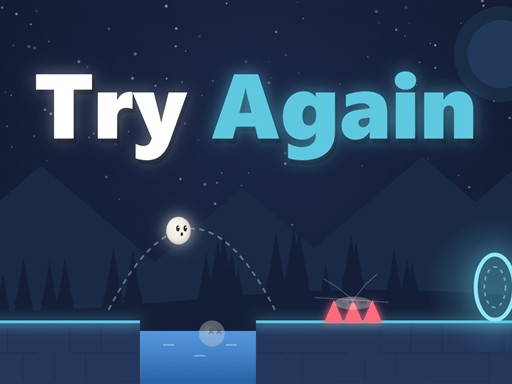
Try Again combines rolling movement with jumps in a platform puzzle. The same two actions have keyboard and touch alternatives, letting you concentrate on the route and the timing of each attempt.
Your goal: Use rolls and jumps to make your way through the platform puzzle.
How to play Try Again
- Roll with the arrow keys or A/D. Jump with Up, W or Space.
- On a touch screen, hold the left button to roll and tap the right button to jump.
Publisher controls: Arrow keys or A/D roll; Up, W or Space jumps. On touch screens, hold the left button to roll and tap the right to jump.
Tips for Try Again
- Watch how far a roll carries you before combining it with a jump.
- Escape or P pauses the game when you want to consider the next move.