
THE GAME, AT A GLANCE
About PushPlush
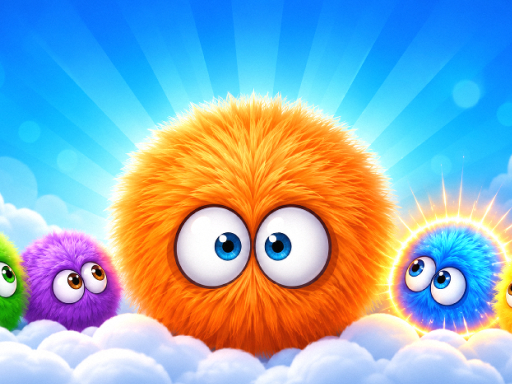
PushPlush moves an entire row or column of soft creatures with a single drag. Its matching play asks for groups of the same color, while Puzzle mode uses those sliding movements to recreate a target picture.
Your goal: Match at least three creatures of one color, or rebuild the target picture in Puzzle mode.
How to play PushPlush
- Drag a creature with the mouse or a finger to slide its whole row or column.
- Release to make a color match. In Puzzle mode, compare your arrangement with the target picture.
Publisher controls: Drag with a mouse or finger to slide a row or column. Release to match three or more.
Tips for PushPlush
- Check the whole row or column before moving it, since the other creatures move too.
- For picture puzzles, compare one section of the target at a time.