
THE GAME, AT A GLANCE
About Draw to Help
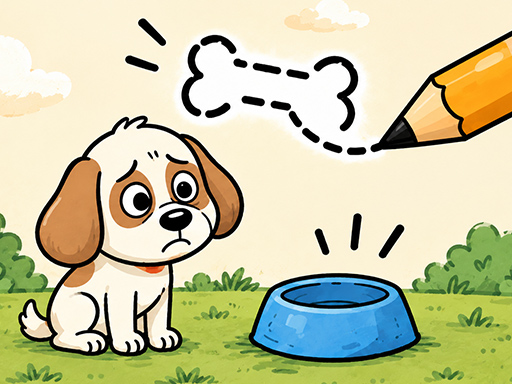
Drawing is the central interaction in Draw to Help. You draw a path to help the character through the puzzle.
Your goal: Draw a route that helps the character through the situation shown on screen.
How to play Draw to Help
- Click with the mouse, or touch the screen, to begin drawing.
- Keep the pointer or finger held down and drag to shape your path.
Publisher controls: Click or tap, then drag to draw.
Tips for Draw to Help
- Look over the puzzle before starting the stroke so you have a route in mind.
- Make deliberate movements while drawing; a finger or mouse drag defines the path.