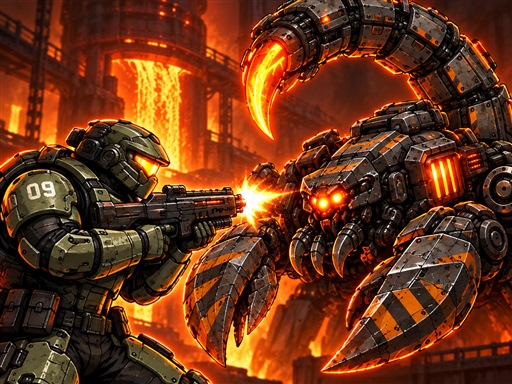

THE GAME, AT A GLANCE
About Steel Directive: City Zero
Steel Directive: City Zero is a side-scrolling city campaign that includes rescuing civilians and managing equipment. Its controls cover movement, shooting, interaction, weapon changes and several defensive actions.
Your goal: Advance through the city campaign while rescuing civilians and managing the equipment you carry.
How to play Steel Directive: City Zero
- Move with A/D or the arrow keys, jump with Space and shoot with a mouse click or J.
- Press E to interact or take a weapon, Q to switch weapons and R to reload. Mobile uses on-screen buttons.
Publisher controls: A/D or arrows move; Space jumps; mouse click or J fires; E interacts; Q swaps weapons. Mobile uses on-screen buttons.
Tips for Steel Directive: City Zero
- Keep the interaction key in mind when approaching civilians or equipment.
- The captured controls also list Shift for dodging and F for a shield; learn these alongside firing.