THE GAME, AT A GLANCE
About Throw Sword
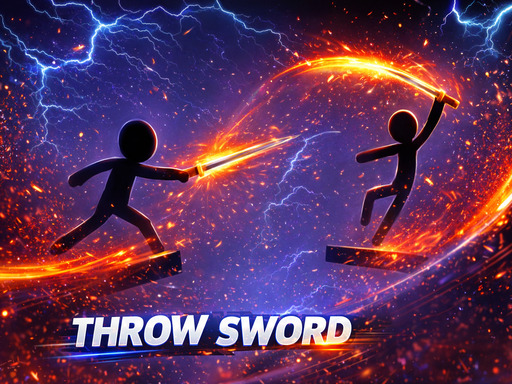
Throw Sword is a stickman combat game about aiming and timing a thrown sword. Rotation and the collect-or-throw action use separate keyboard inputs.
Your goal: Defeat opponents with sword throws before they defeat your stickman.
How to play Throw Sword
- Use A/D or Left/Right arrows to rotate and adjust the throwing direction.
- Press Z to collect or throw the sword, timing the action against the opponent.
Controls: Rotate with A/D or the Left/Right arrow keys. Press Z to collect or throw the sword.
Tips for Throw Sword
- Set the rotation before throwing so the sword follows the direction you intend.
- Remember that Z serves both collection and throwing; check the current sword situation before pressing it.