THE GAME, AT A GLANCE
About Obby Rainbow Parkour Two Player
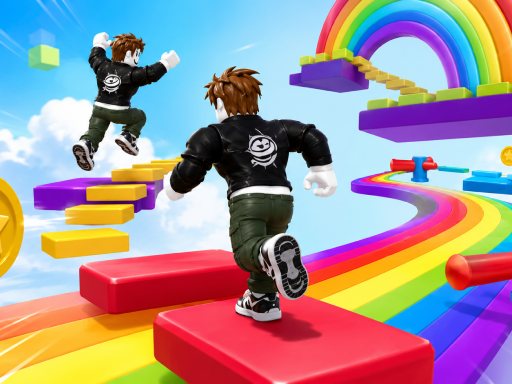
Obby Rainbow Parkour Two Player offers colorful obstacle courses for one or two players. Its two keyboard layouts separate each player's movement and jump inputs.
Your goal: Make your way through the obstacle courses alone or alongside a second player.
How to play Obby Rainbow Parkour Two Player
- Player one moves with WASD and jumps with Space.
- Player two uses the arrow keys and L. Shift is the listed sprint control.
Publisher controls: Player one uses WASD and Space. Player two uses arrows and L. Shift sprints.
Tips for Obby Rainbow Parkour Two Player
- If two people share the keyboard, check that each can comfortably reach their jump key.
- Practice a regular jump before adding sprint to an obstacle approach.