
THE GAME, AT A GLANCE
About Magic Coloring Book for Little Artists
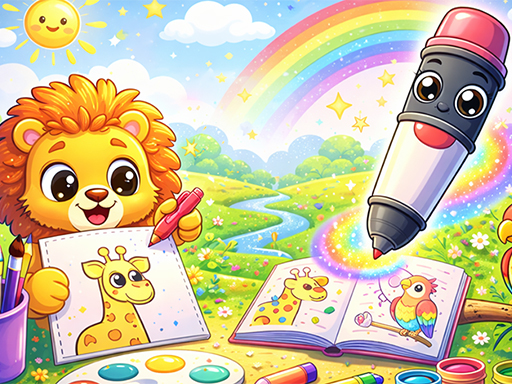
Magic Coloring Book for Little Artists separates picture-making into two stages. Holding the screen lets a marker draw the outline automatically, after which the drawing is ready to color.
Your goal: Complete the outline and color the picture in your own chosen palette.
How to play Magic Coloring Book for Little Artists
- Hold the screen to let the marker build the outline step by step.
- Once the outline is finished, use the on-screen coloring controls to add colors.
Controls: Use mouse clicks or screen taps to play. Hold the screen while the marker draws the outline, then use the game's coloring controls to finish the picture.
Tips for Magic Coloring Book for Little Artists
- Let the outline stage finish before choosing how to color the picture.
- Plan a few colors you want to use together, then apply them to the completed drawing.